Get a prompt.
Press Generate. You get a subject, a setting, a mood, and a medium in one sentence. Press again if the first one is dull. No account needed; AI generations have a free daily limit.
Subject, setting, and mood in one click. Lock what you like, copy for paper or Midjourney / DALL·E / Flux. No account.
Three ready-made combinations. Browse more drawing inspiration.
A starting point that is specific enough to draw, not a vague order to “make something.”
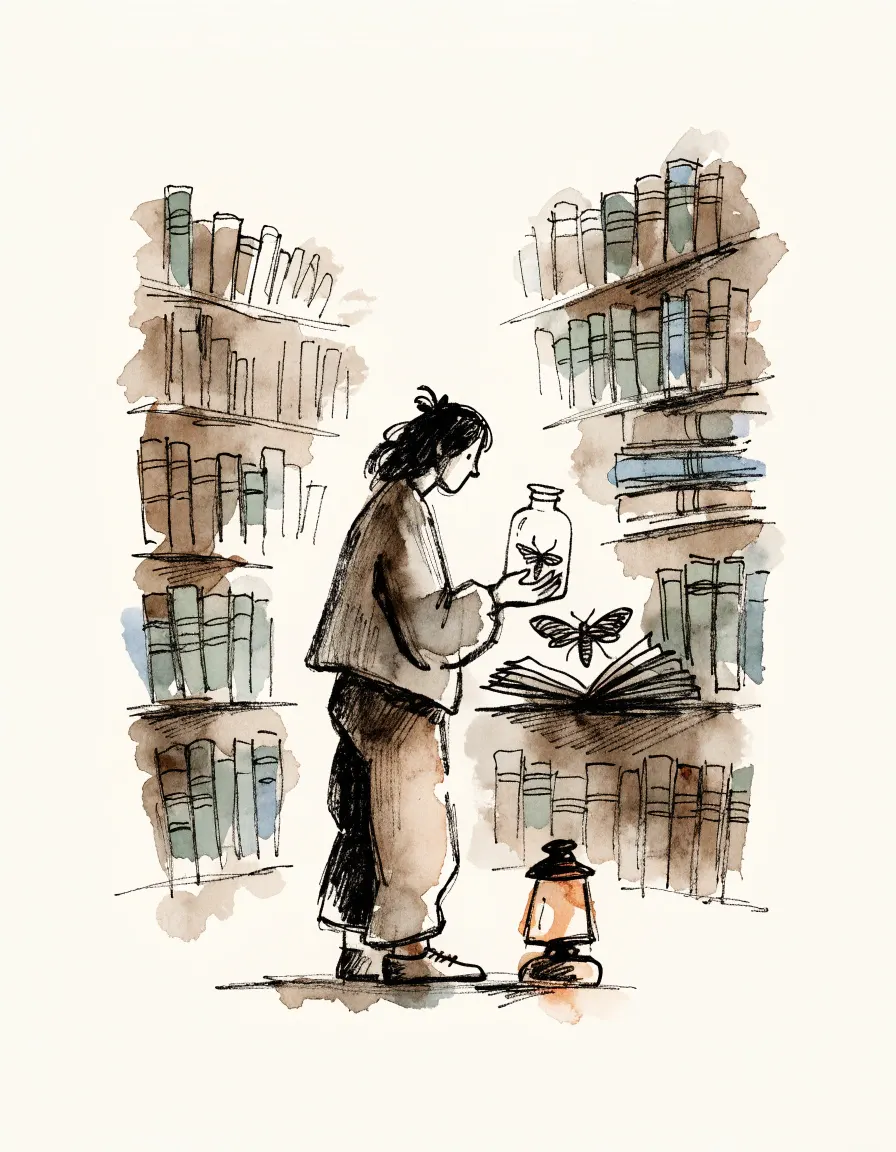
A drawing prompt is a small, concrete idea: a subject, a place, and a mood. It answers the question “what should I draw?” so you can spend the session drawing instead of deciding. “A moth collector inside an old library, curious, loose ink” is a prompt. “Be creative” is not.
This drawing prompts generator builds that kind of sentence for you. Each click combines a subject, a setting, and a mood, then adds a medium. If one part is right and the rest is wrong, lock the part you like and generate again. You are editing the brief, not throwing the whole idea away.
These prompts are written for people with a pencil, a tablet, or ten spare minutes. They are not the same as an AI image prompt, though you can turn one into Midjourney, DALL·E, or Flux format when you want a picture generated.
Hand drawing vs AI images. Plain format is for pencil-and-paper practice: you read the brief and draw. AI formats only change what Copy puts on the clipboard; this site does not generate pictures for you. Most artists here start with Plain, set a timer, and stop when the bell rings.
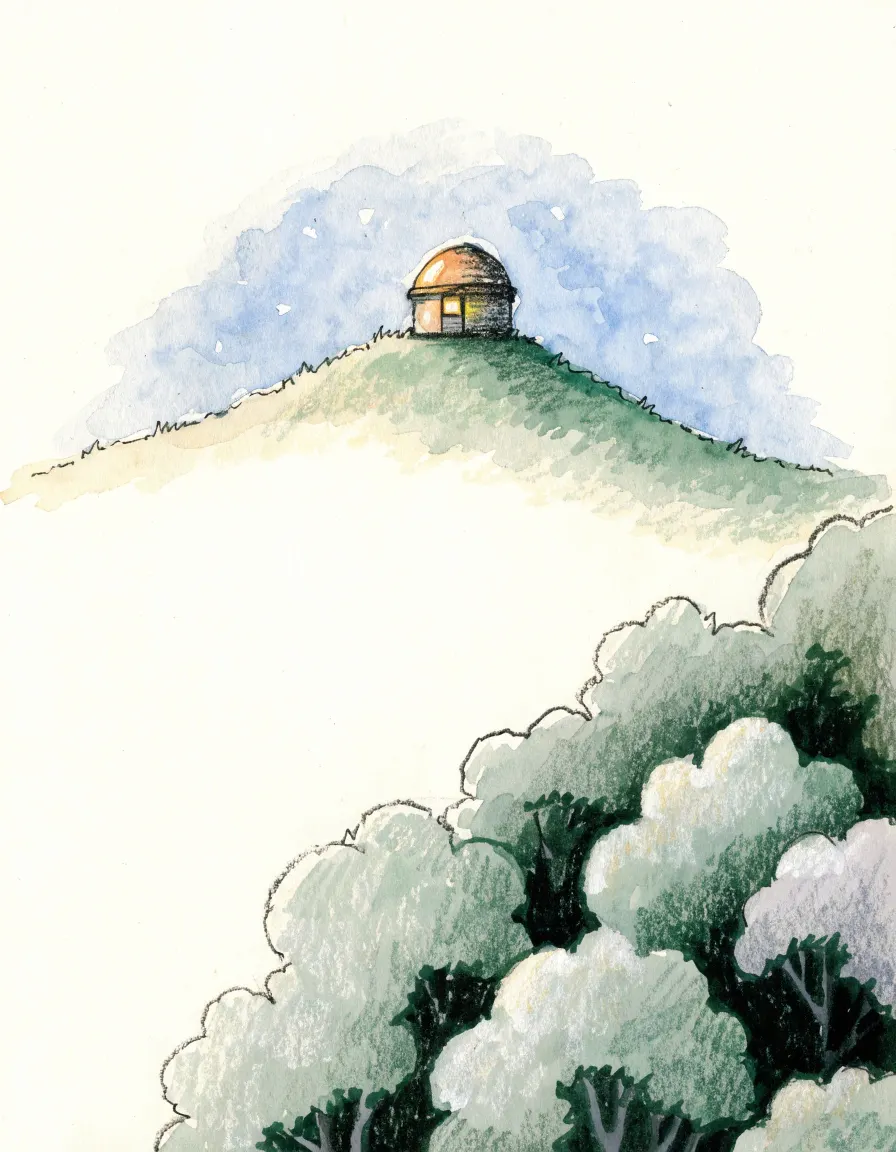
Example. A tiny observatory above a forest, sleepy and full of little details, soft gouache. Lock “tiny observatory” if you want more places to put it.
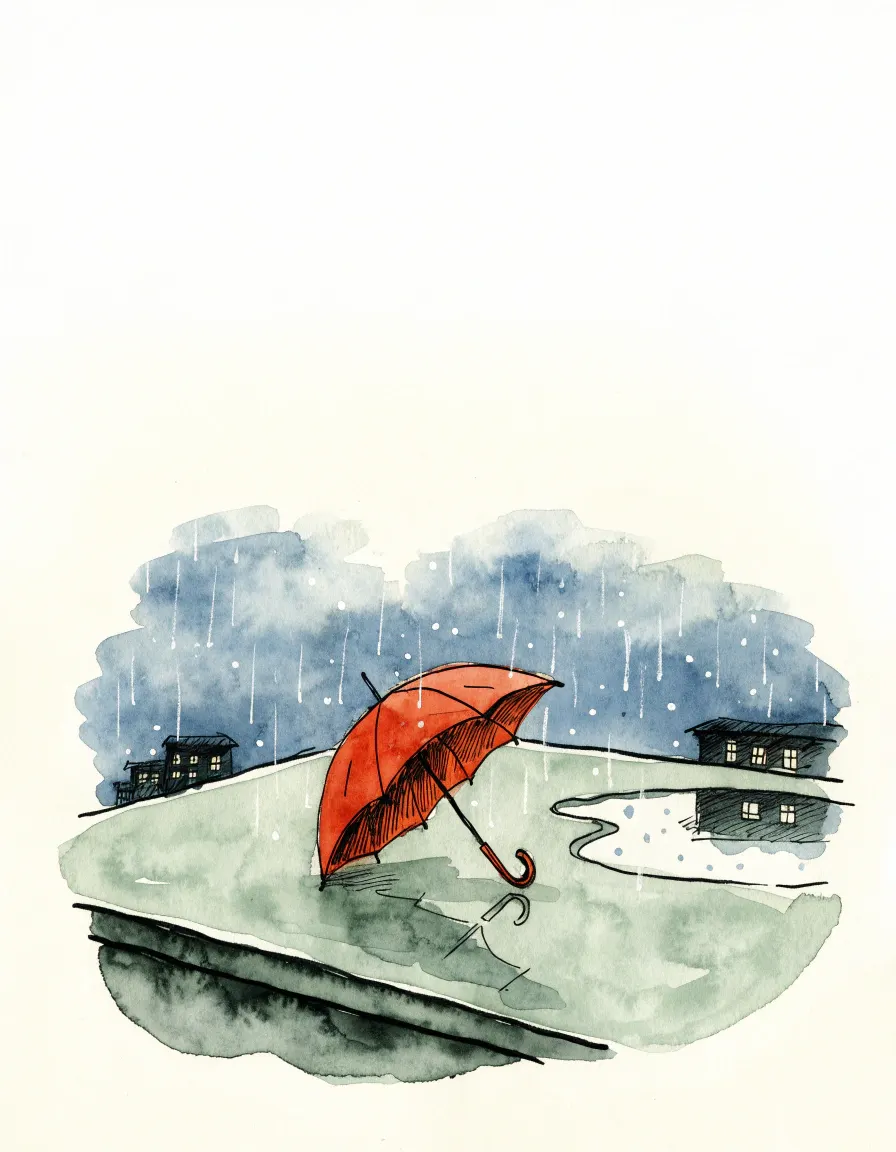
Example. A red umbrella on a rainy rooftop, homesick and full of little details, dreamy watercolor. Lock the rooftop and change the object until something catches.
The hard part is usually choosing, not drawing.
A blank page offers too many options. You discard the mug because it seems boring, then discard the ambitious scene because it seems too hard, and the session ends with no marks. A random drawing prompt removes that loop. You did not choose the moth collector, so you do not have to defend it. You just draw it for five minutes.
Use it as a warm-up: one prompt, a ten-minute timer, only the big shapes. For short figure practice, use the gesture drawing timer. Use it for daily practice: generate once, draw once, stop. Use it when you want a drawing challenge for the day without planning a thirty-day list in advance.
Random collisions help more than a list of your usual subjects. Left alone, most people redraw the same three ideas. A lighthouse keeper in a laundry room is slightly uncomfortable, and that is usually the drawing worth making. Reroll the ones that are nonsense. Sit with the ones that make you hesitate.
Three steps that match the buttons on the tool.
Press Generate. You get a subject, a setting, a mood, and a medium in one sentence. Press again if the first one is dull. No account needed; AI generations have a free daily limit.
Click a dimension to lock it. Generate again to reroll only the unlocked parts. Clear locks unlocks all three. This is how you shape a prompt instead of gambling.
Copy as Plain for paper. Or pick Midjourney, DALL·E, or Flux and copy a version those tools can paste. Set a ten-minute timer if you tend to stall on the first line.
Same idea, copied for a person or for an image model.
Plain is the default: a sentence you can draw. The other three buttons only change what Copy puts on the clipboard. They do not generate an image on this site.
| Format | What Copy does |
|---|---|
| Plain | The prompt as written, for sketching. |
| Midjourney | Adds --ar 4:5 --stylize 350 after the sentence. |
| DALL·E | Prefixes Create an image of. |
| Flux | Adds | cinematic composition, highly detailed. |
One prompt, four copies:
Plain
A tiny observatory above a forest, sleepy and full of little details, soft gouache.

Midjourney
A tiny observatory above a forest, sleepy and full of little details, soft gouache. --ar 4:5 --stylize 350

DALL·E
Create an image of A tiny observatory above a forest, sleepy and full of little details, soft gouache.

Flux
A tiny observatory above a forest, sleepy and full of little details, soft gouache. | cinematic composition, highly detailed
A 30-day list you can start any day.
A drawing challenge is a list of daily prompts, usually thirty days, with no requirement to finish a polished piece. Use the fixed list on our challenge page: check off each day in your browser, copy today’s prompt, or print the full month.
Start the 30-day drawing challenge
If you are preparing for Inktober in October, the official prompt list is published on 1 September at inktober.com; this site is not an official Inktober page.
A small, specific idea to draw: usually a subject, a place, and a mood. It is meant to start a sketch, not to grade you.
Yes. Choose Midjourney, DALL·E, or Flux in the generator, then copy. The site does not create the image for you.
Generate another one, or lock the part you like and reroll the rest. The point is a doorway, not a command.
No. A five-minute sketch counts. A finished picture is optional.
Yes. There is no account and no paywall. AI prompt generation has a free limit per visitor in a rolling 24-hour window; when you hit it, wait for the timer on the page to reset.
Yes. Use the 30-day drawing challenge for a fixed list, or one prompt a day from this generator. Inktober’s official list is posted on 1 September each year at inktober.com. This site is not the official Inktober challenge.
Yes. Treat every prompt as optional. Draw only the largest shapes if that is all you have time for.
Lock one object, ignore the setting, and draw it badly on purpose. Five minutes still counts.
Either. Leave Format on Plain for paper or a tablet. Switch format only when you want to paste into an image model.
Generate again replaces the whole prompt. Lock freezes one dimension so the next generate only changes the rest.